
Two-factor authentication (2FA) codes are sent to the verified email address or phone number on file for your MyChart Central account, not just any email or phone number you enter. If you have a MyChart Central account, make sure you are entering the email address or phone number you used to sign up for MyChart Central. This could be the reason why you are not receiving codes even though you are entering the email and/or phone number associated with your MyChart account.
If you do not have a MyChart Central account, select Forgot login information? from your healthcare organization's MyChart login page and follow the instructions based on what you see:
If you still need help, contact your healthcare organization's MyChart help desk. Their contact information is usually listed on the Recover your account screen or on their MyChart website.
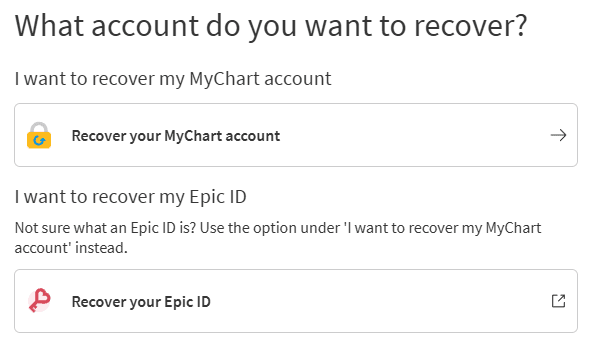
Two-step verification codes for MyChart Central are sent to the verified email address or phone number on file for your MyChart Central account. If you do not have a MyChart Central account, select Forgot login information? to recover your account.
Two-step verification adds security to your MyChart account by requiring a code from your email, text message, or authenticator app when you log in. Change your verification method in Account Settings.
.svg)