
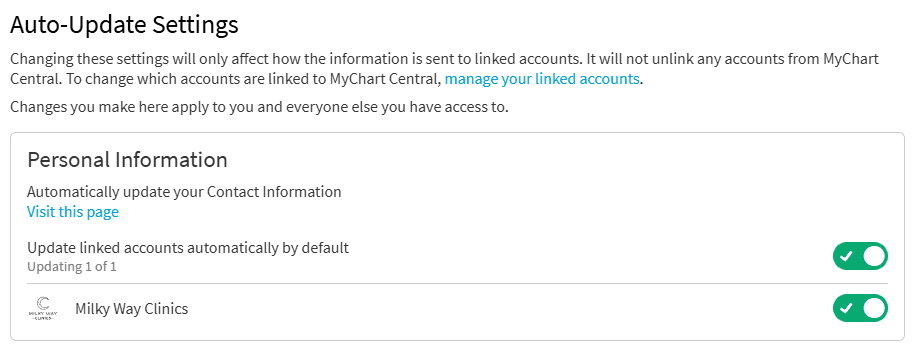
When you update your contact information in MyChart Central, those updates are automatically sent to all your linked MyChart accounts. You only need to update your information once. Some organizations might not accept automatic updates. If a sync fails, you see a notification in MyChart Central.
To manage which healthcare organizations receive updates, go to Auto-Update Settings in MyChart Central.
Update the email address or phone number on your MyChart account in Personal Information. Contact your healthcare organization's help desk for help with changes you are not able to make yourself.
Your Epic ID is the email address you use to log in to MyChart Central. Your Epic ID and password can log you in to any MyChart account you have linked to MyChart Central. Change your Epic ID email or password in Account Settings.
.svg)