
Deleting your MyChart Central account does not delete any of your health information at your linked MyChart accounts. Your data is stored and managed by your healthcare organization.
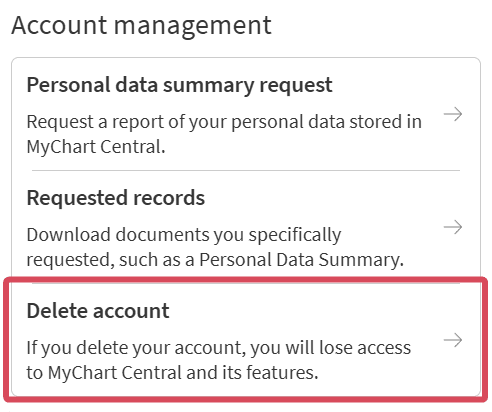
You can delete your MyChart Central account at any time:
Your MyChart Central account stops working immediately. Your linked MyChart accounts remain active. If you want to delete your individual MyChart accounts, contact each healthcare organization separately.
Important: If your Epic ID was the only way you could access a healthcare organization’s MyChart, you need to set up a new username and password with that organization to log in to MyChart. To set up new login credentials, reach out to your healthcare organization’s MyChart support team.
MyChart Central lets you link your MyChart accounts from different healthcare organizations so you can use a single login to access them all. Access MyChart Central from your phone or computer.
Deactivate your MyChart account from Account Settings on the website or mobile app. You can also contact your healthcare organization's MyChart help desk to deactivate.
.svg)